> For the complete documentation index, see [llms.txt](https://morningheartgames.gitbook.io/docs/llms.txt). Markdown versions of documentation pages are available by appending `.md` to page URLs; this page is available as [Markdown](https://morningheartgames.gitbook.io/docs/particle-water-shader-pro-hdrp/readme.md).
# Welcome
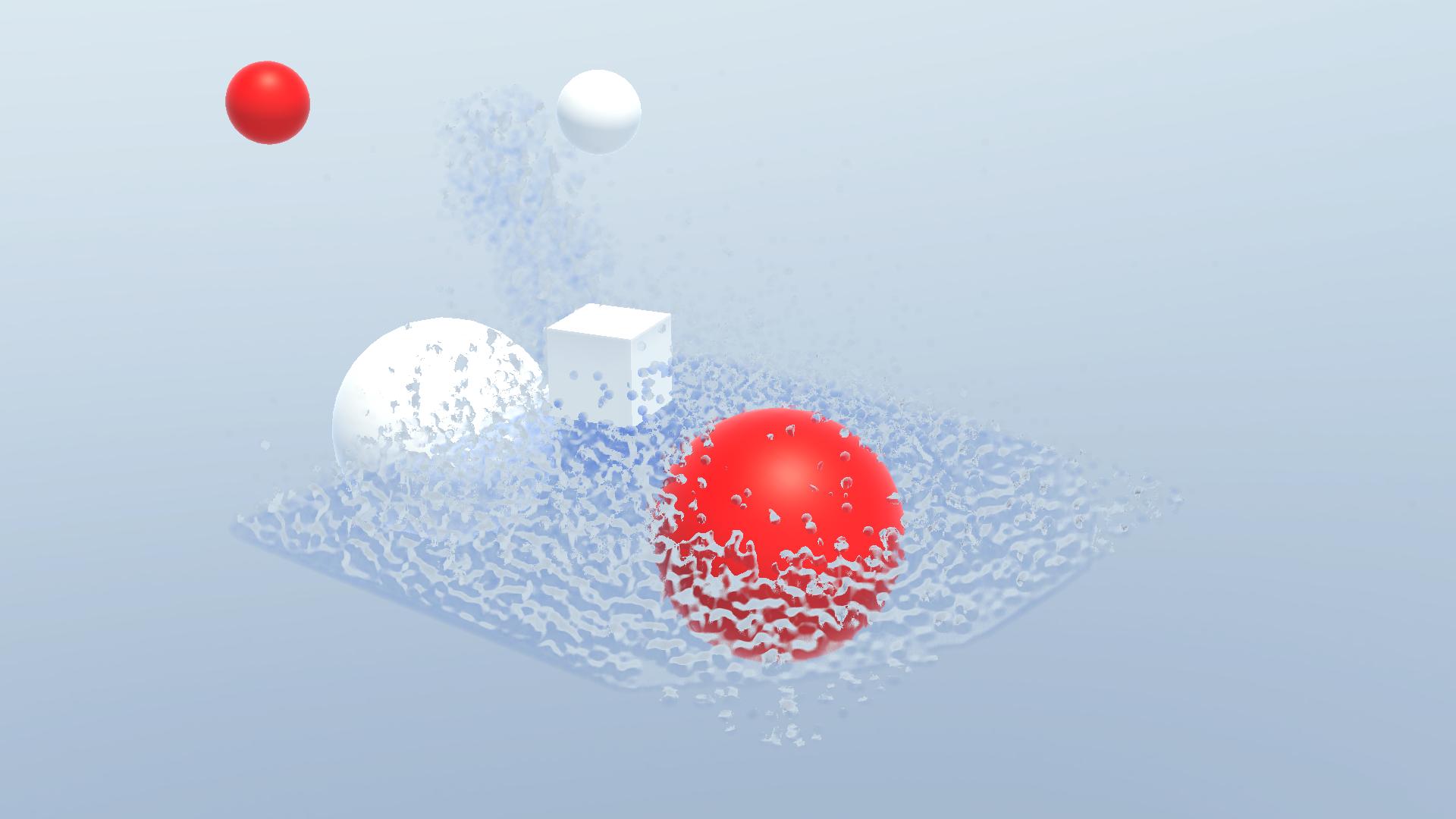
This is a Unity shader plugin, ***not a fluid physics simulation plugin***. It is used to render particle data into a smooth liquid surface. Ideal for rendering simulation systems that use particles as simulation units.
Magic happens when the pure unity particle system gains power through this particle shader plugin.
{% embed url="" %}
### This version is for HDRP.
It has huge changes compared to the previous version.
* The newly adopted algorithm brings huge performance, performance, and user experience gains:
* The number of iterations required for smoothing has been reduced from **150** to **3**
* The time required to run the algorithm Reduced (from **5.8ms** to **0.5ms**) nearly **10x** times
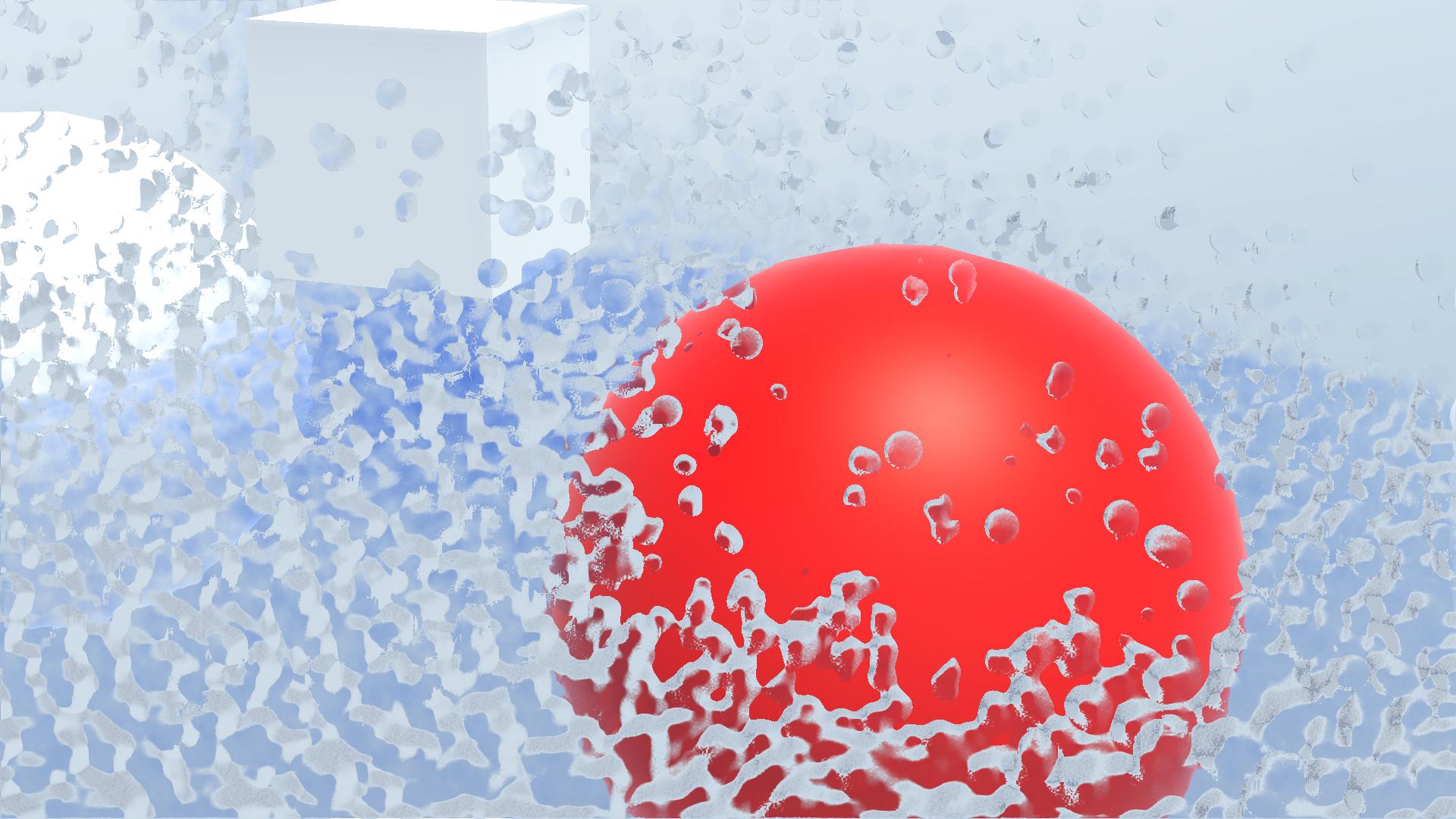
* Higher resolution and finer surface, with clear layers of water droplets and water surface
* **No param tuning anymore!** Plane fitting parameters Reduced from **5** to **0**
* New Rendering process brings performance improvements in the following aspects
* Required Smoothing + rendering **Reduced** from ***Per Fluid Surface Per Frame*** to ***Once Per Frame***
* Required RenderTextures **Reduced** from ***One Set for all RenderSurfaces*** to ***One Set Globally***
* The RenderTexture used is managed by the Rendergraph, further increasing potential bandwidth savings
* Introduce new **DebugVisualize** functionality helps locate data problems or debug parameter effects
* Added **down sample** option to further reduce bandwidth pressure
* A **unified rendering shader** while **supporting custom visual parameters** for each ParticleSource.